The problem
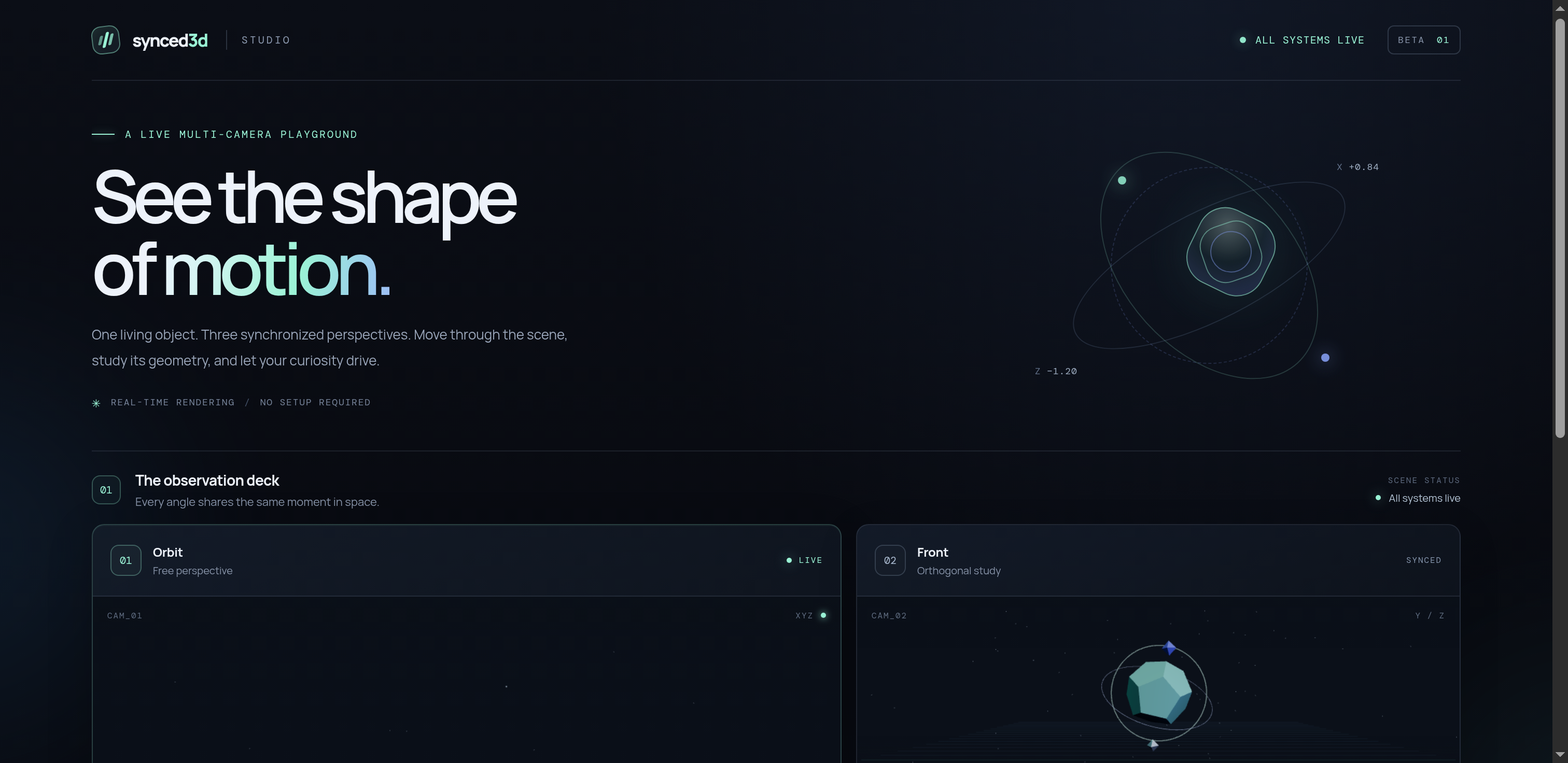
A single 3D viewport can make it hard to understand the shape and structure of a complex form. Synced 3D Multiview explores a simple idea: keep several camera perspectives available together, so users can inspect the same scene from orbit, front, and overhead views.
Constraints
The studio runs in a browser, so rendering and interaction have to coexist with a responsive interface. Controls should remain useful on touch devices and keyboards, and animation should be pausable rather than consuming resources without user control.
What I built
- Four procedural sculpture presets: polyhedral core, torus knot, crystal cluster, and helix array.
- Three camera views: orbit, front, and overhead.
- Compound geometry with layered meshes, metallic materials, orbital rings, satellites, and wireframe overlays.
- Controls for preset selection, rotation speed, pause/resume, wireframe, floor grid, and reset.
- Live renderer diagnostics, keyboard shortcuts, reduced-motion support, and responsive layouts.
Decisions and trade-offs
Use procedural presets. They let the same controls explore different kinds of geometry without requiring a separate asset pipeline.
Keep the camera views together. Multiple perspectives make the scene easier to inspect, but they also require coordination between the scene and view state.
Expose the controls. Pausing motion, changing speed, toggling wireframe, and resetting the scene give users control over both presentation and inspection.
The hard part
The core challenge is keeping three render views consistent while users switch forms and change scene controls. The project includes browser smoke tests that verify the camera canvases render, the scene reaches its ready state, presets switch, and the main controls respond without uncaught page errors.
Outcome
The public demo is live at synced-3d-multiview.vercel.app ↗. The repository includes automated JavaScript checks and Playwright browser smoke tests.
The project documents its controls and automated checks, but does not publish a measured frame-rate benchmark across devices. I am not presenting one as a result.
What I'd improve next
I would add repeatable stress checks for rapid preset changes and extended motion, and capture a short walkthrough that shows the three views updating together. That would make the interaction easier to judge without asking visitors to infer it from a still screenshot.